powershell是一种使命令行进行脚本编写实用软件,主要是用于进行系统自动化管理,加入了Windows Powershell命令行程序,但是有一部分用户还不知Win10如何打开Windows Powershell功能,其实地方挺简单,下面小编介绍Win10打开Windows Powershell的详细图文教程吧。
Win10如何打开Windows Powershell功能
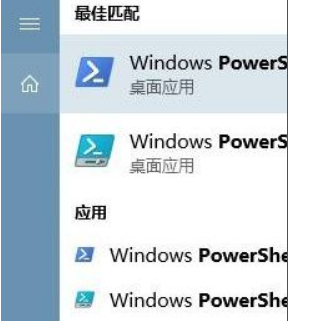
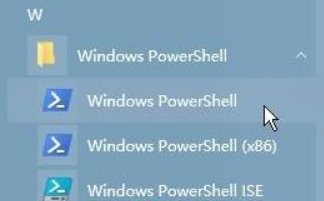
1、点击开始菜单 — Windows PowerShell ,在下面点击 “Windows PowerShell”即可打开;
2、将“当我右键单击“开始”按钮或按下Windows+X时,在菜单中将命令提示符替换为Windows PowerShell”的开关打开;
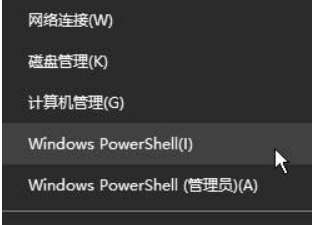
3、在开始菜单单击鼠标右键,选择【Windows PowerShell】即可打开。
上述就是Win10系统如何打开Windows Powershell的详细操作步骤,还不知道如何操作的用户们可以按照上面的方法来打开吧。